Syncs Private Beta
- enterprise
2 minute read
The Audiences feature is in Private Beta, where we work with early users and customers to test new features and get feedback before making them generally available.
Reach out to Customer Success if you are interested in enabling this feature for your workspace.
A sync is the connection between a saved audience and a destination.
You can connect a single audience to multiple destinations, each with its own field mapping and refresh cadence.
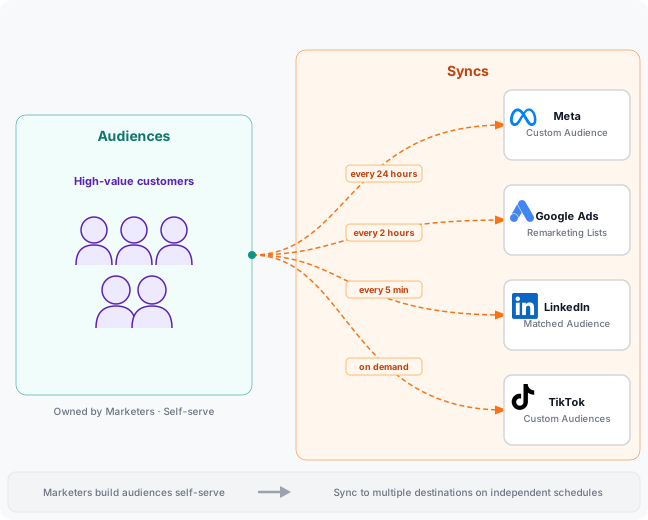
Video walkthrough
How syncs work
- Create the audience in the Audience Builder.
- Click Add sync to connect the audience to a destination.
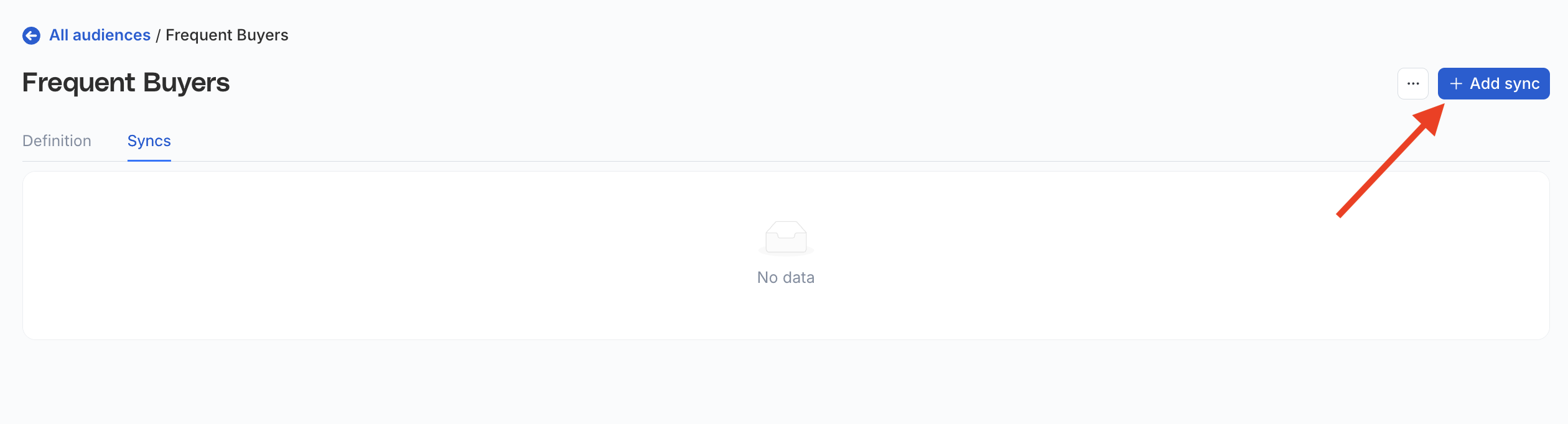
- Configure field mappings — specify which audience columns map to the destination’s expected fields.
Each destination has its own connection and field mapping settings. See the destination-specific documentation for more information.
- Set a sync schedule — each destination connected to an audience can have its own schedule.
- Run the sync manually on demand, or wait for the next scheduled run.
On the first run, a full sync sends the complete current membership to the destination. On subsequent runs, audience membership is recalculated against the latest warehouse data and only changes are sent.
Failed records
When a sync completes with failures, the sync page shows a Failed records panel with the number of records that failed for each error code.
To also see every failed record with the exact error RudderStack recorded, click Enable error details in the panel. It applies from the next sync and can take up to a minute to reach your data plane. RudderStack keeps the records in your warehouse for the connection’s failure retention window (30 days by default).
See Failed records for what the panel shows and the permissions it needs.
Supported destinations
- Braze Audiences
- Facebook Custom Audience
- Google Ads Remarketing Lists
- Iterable Audience
- LinkedIn Audience
- TikTok Audiences
- Custom Activation
See also
- How to Create an Audience from a Data Graph: Create and manage audiences in RudderStack
- Data Graph: The entity mapping layer that powers audiences
